

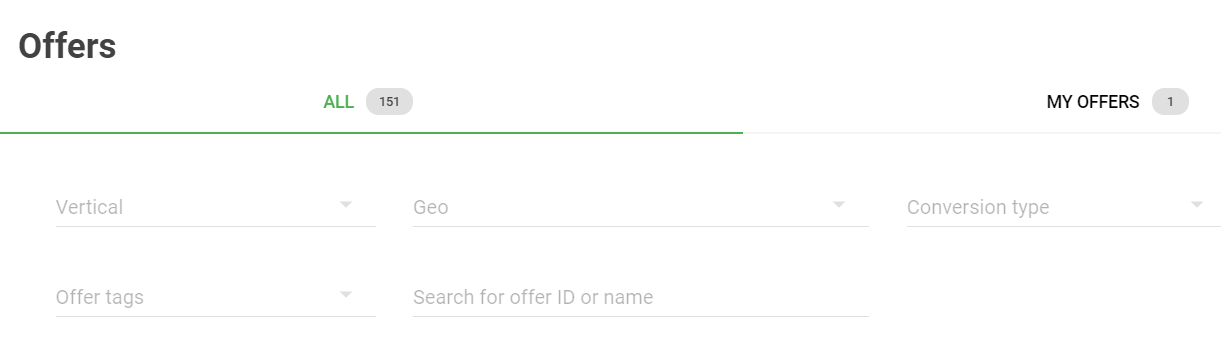
Upon your login at https://beta.affiliates.
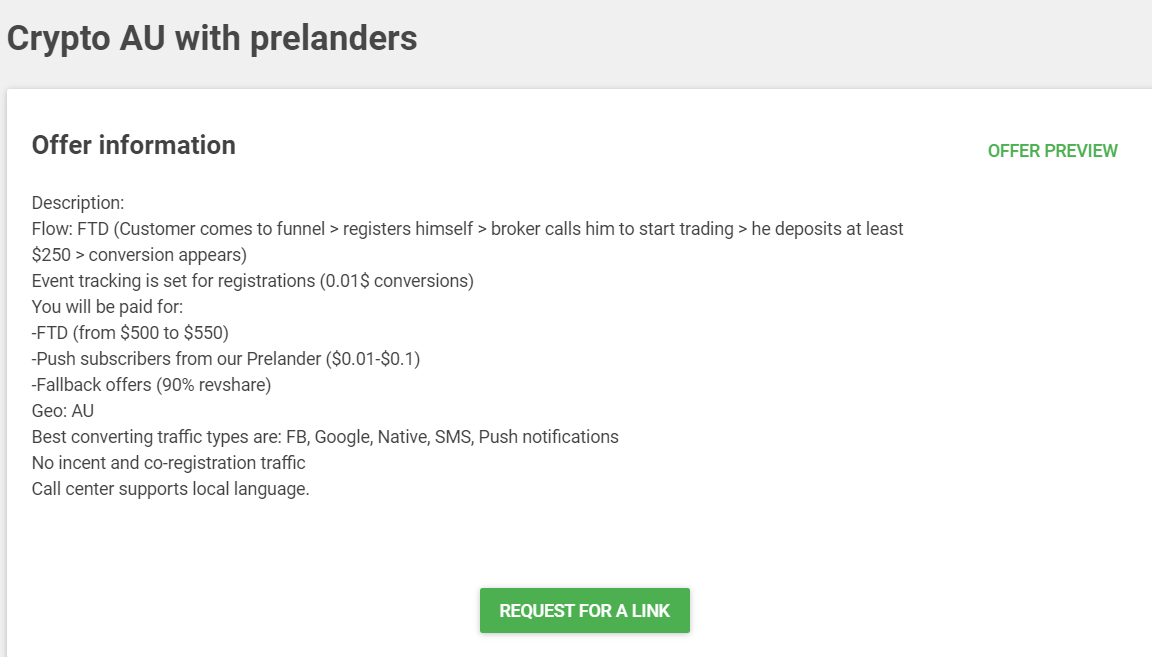
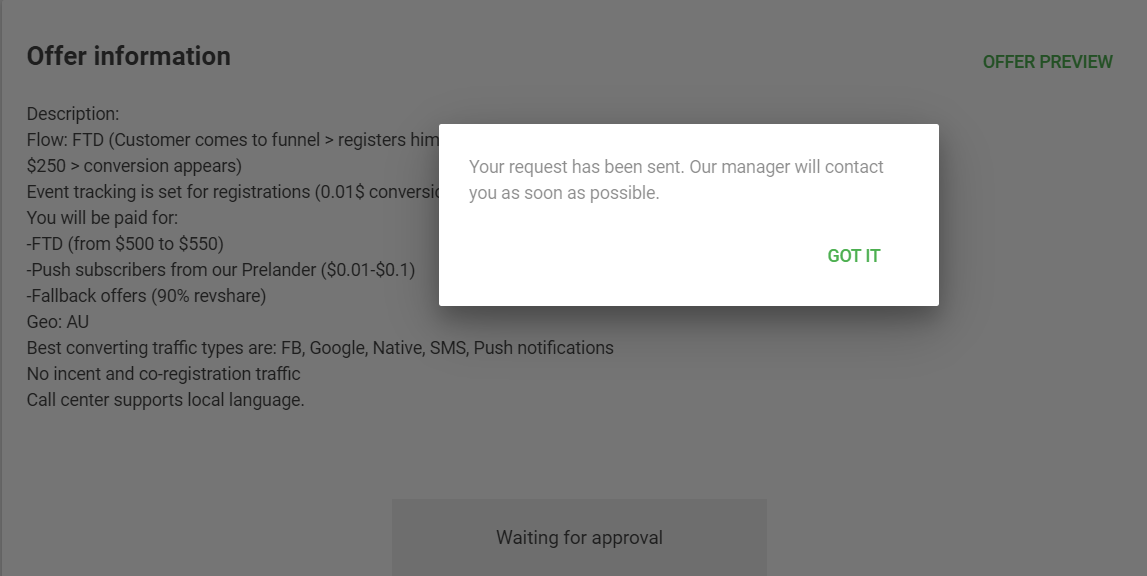
3. Wait for approval
You will see the notification that your request has been sent and that the affiliate manager will contact you as soon as possible. Normally, it takes us a few minutes to approve the request. You will receive an email with a clickable button leading to the offer link requested.
Check out and choose the most suitable payment method. There is a choice among Paypal, Webmoney, Paxum, Wire, Bitcoin, and USDT (Tether).
5. Set up a global postback link
Setting up a Global Postback on Adsterra CPA Network is super-easy. To work with the Adsterra CPA offers, you will have to register with any tracking platform (BeMob, Voluum, Adsbridge, Keitaro, etc.), copy your postback from there, paste it on Adsterra’s Global Postback page and replace {externalid} with an
For all the Adsterra advertisers the ad tracking platform BeMob
offers a 25% off discount on any paid plan for 2 months.
Register with BeMob and get the best tracking experience
6. Buy traffic to the offer chosen
You may pick any reputable traffic source like Adsterra ad network or other, register there as an advertiser, top up your balance (a deposit starts from $100), and set up a campaign. This is a complete guide to how to do it with Adsterra.
7. Check your stats
On your stats page you can see the number of requests, impressions, clicks, conversions, and revenue generated. You can group your data by date, offer name, country, device format, operating system, browser, and sub-parameters if you use them.
8. Wait for your payment
We pay twice a month. Go to your dashboard to stay updated about the exact dates
